LOADING
warming up Kung Fu Arena…
💡 click the game once so it hears your keyboard
👆 tap the game to start, then use the on-screen controls
warming up Kung Fu Arena…
💡 click the game once so it hears your keyboard
👆 tap the game to start, then use the on-screen controls
Fighting game
Real hitboxes, real combos. Best of three, no mercy.
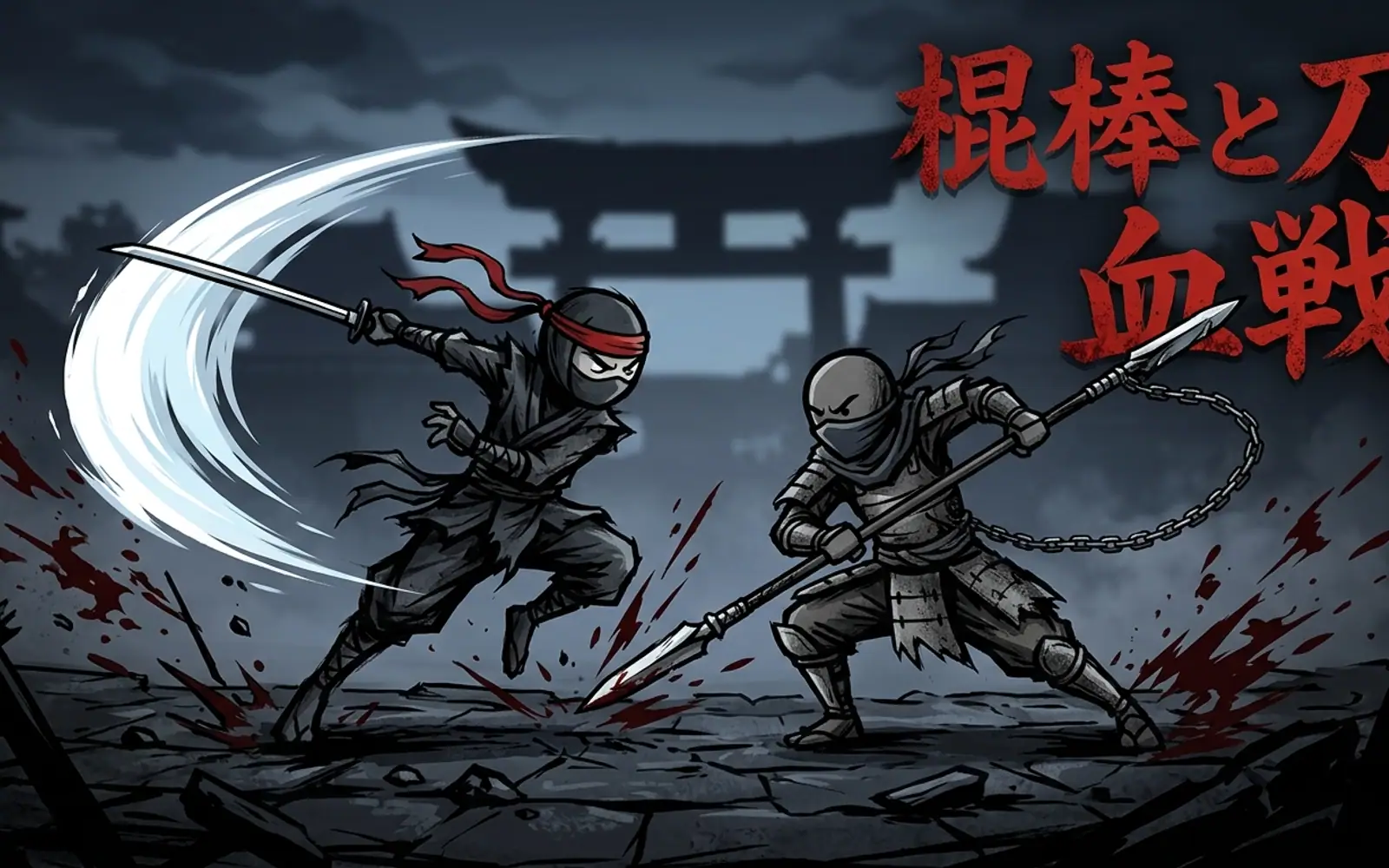
A full 2-player fighting game starring four original fighters: Ember, Cyclone, Verdant, and Nova, each with their own duotone color style. Built on the animation timing and per-frame hit/hurt boxes of Kung Fu Man, the sample character bundled with the open-source Ikemen-GO engine (2009 Elecbyte, Creative Commons Non-Commercial), driving an original game engine: motion-input special moves, throws, blocking, knockdowns, and a meter-fed hyper system. Play solo against the CPU or head-to-head on one keyboard.
Found inUnblockedFighting2 Player
Free to play, no download, no sign-up. Hosted with ❤ by GamerX.
A best-of-three fighting game for one or two players at the same keyboard. Player one moves on WASD, punches with F and G and kicks with V and B; player two moves on the arrow keys, punches with comma and full stop and kicks with M and slash. Holding back blocks, for either player. Light attacks are fast and safe; strong attacks hurt and leave you exposed if they miss. Special moves are motion inputs - a quarter-circle on the movement keys followed by an attack - and throws beat blocking, which is what stops a turtling opponent from simply never moving. The hit and hurt boxes are per-frame, so whether something connects is decided by the animation rather than by distance, and spacing is a real skill.
Kung Fu Arena is an original fighting engine built on borrowed timing. The animation frame data and the per-frame hit and hurt boxes come from Kung Fu Man, the sample character bundled with the open-source Ikemen-GO engine, which is a well-understood reference point for what a fighting game's numbers should feel like; everything above that - the motion-input parser, the throw system, the round structure, the AI - is written for this game. The four fighters are original, each with a duotone colour identity so that at a glance you always know which side of the screen is yours, which matters more than it sounds when two characters share a skeleton. It is one of the two games on this site drawn in 2D canvas rather than WebGL.
Browse more