"3D" and "heavy" get treated as the same word a lot, and they are not. A 3D scene with a handful of simple shapes, one light, and no particle effects can run circles around a flat 2D page redrawing a thousand animated sprites every frame. What actually determines whether a laptop with integrated graphics can handle a game is draw calls, triangle count, and how much post-processing is stacked on top, not whether the word "3D" shows up in the description.
What actually slows a browser game down
Three things do almost all of the damage. The first is draw calls: every separate object the GPU has to be told to render is its own instruction, and a scene with hundreds of individually lit props chokes an integrated GPU long before the triangle count does. The second is texture size, since a handful of large textures can eat more memory than the whole rest of a simple game combined. The third is post-processing: bloom, screen-space reflections, and heavy particle systems all cost real GPU time per frame, on top of whatever the base scene already needs.
None of that is about 2D versus 3D. It is about how many things are on screen at once, and how much extra work happens per pixel before that frame ever reaches your screen.
Games in the arcade that are genuinely light
A few games in the GamerX arcade sit close to the light end of that scale on purpose:
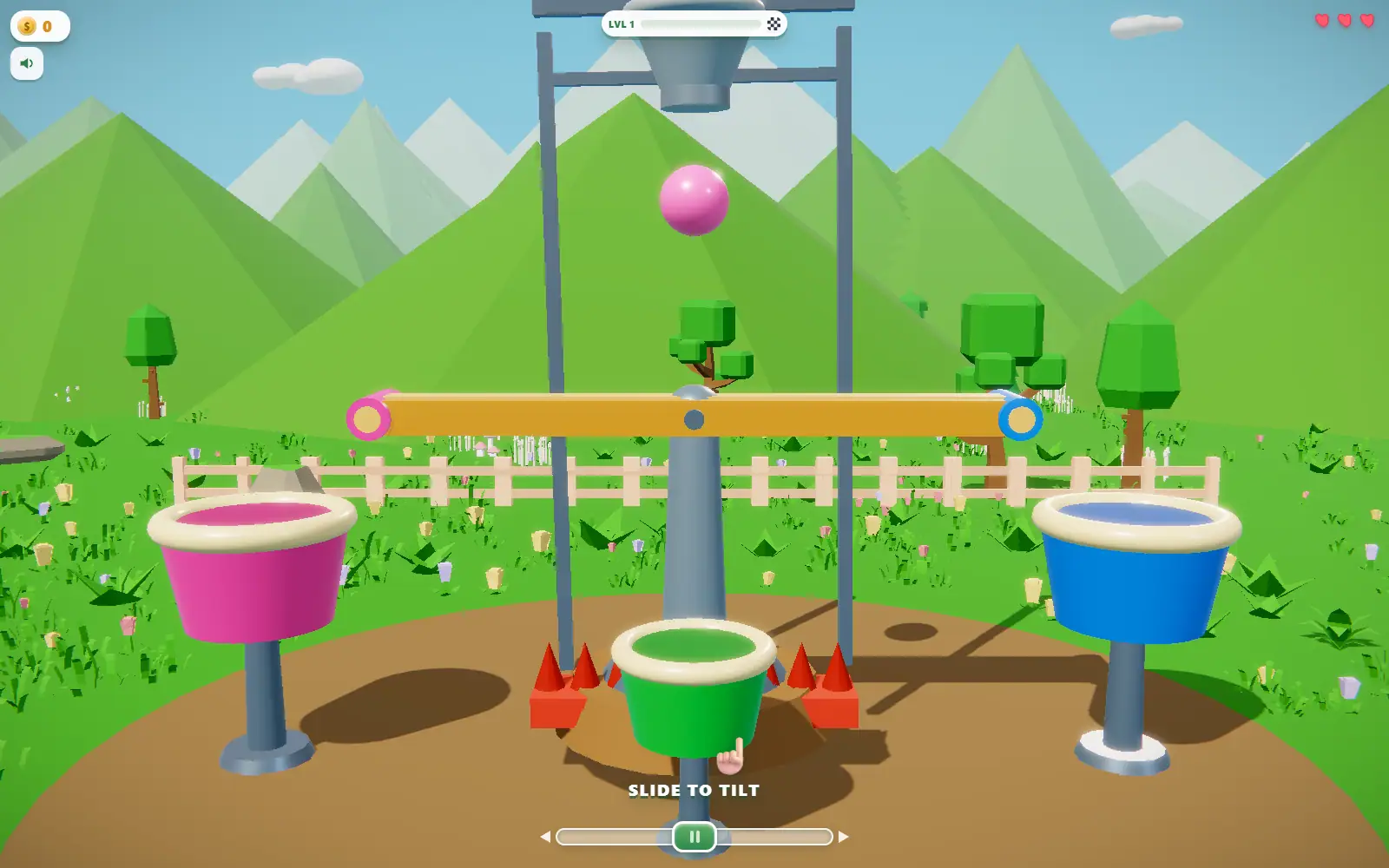
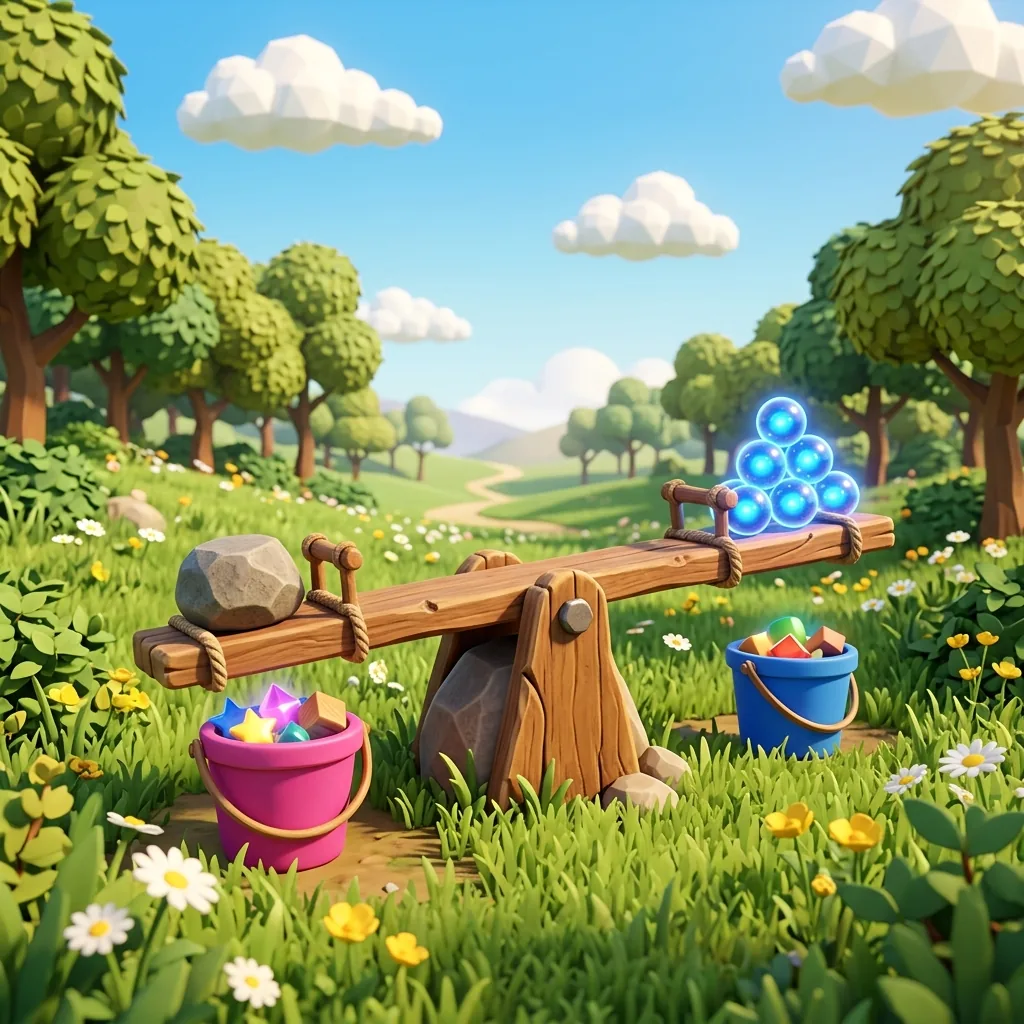
- Tilt Sort: a see-saw beam, a handful of balls, and a low-poly meadow. Simple shapes, one scene, nothing stacked on top.
- Arrow Escape: a flat grid of paper arrows on a tabletop. There is barely any camera movement, and the whole board is a handful of simple shapes.
- Fold Home: a strip of low-poly terrain folding one hinge at a time. The scene only ever shows a few panels ahead, never a sprawling open world.
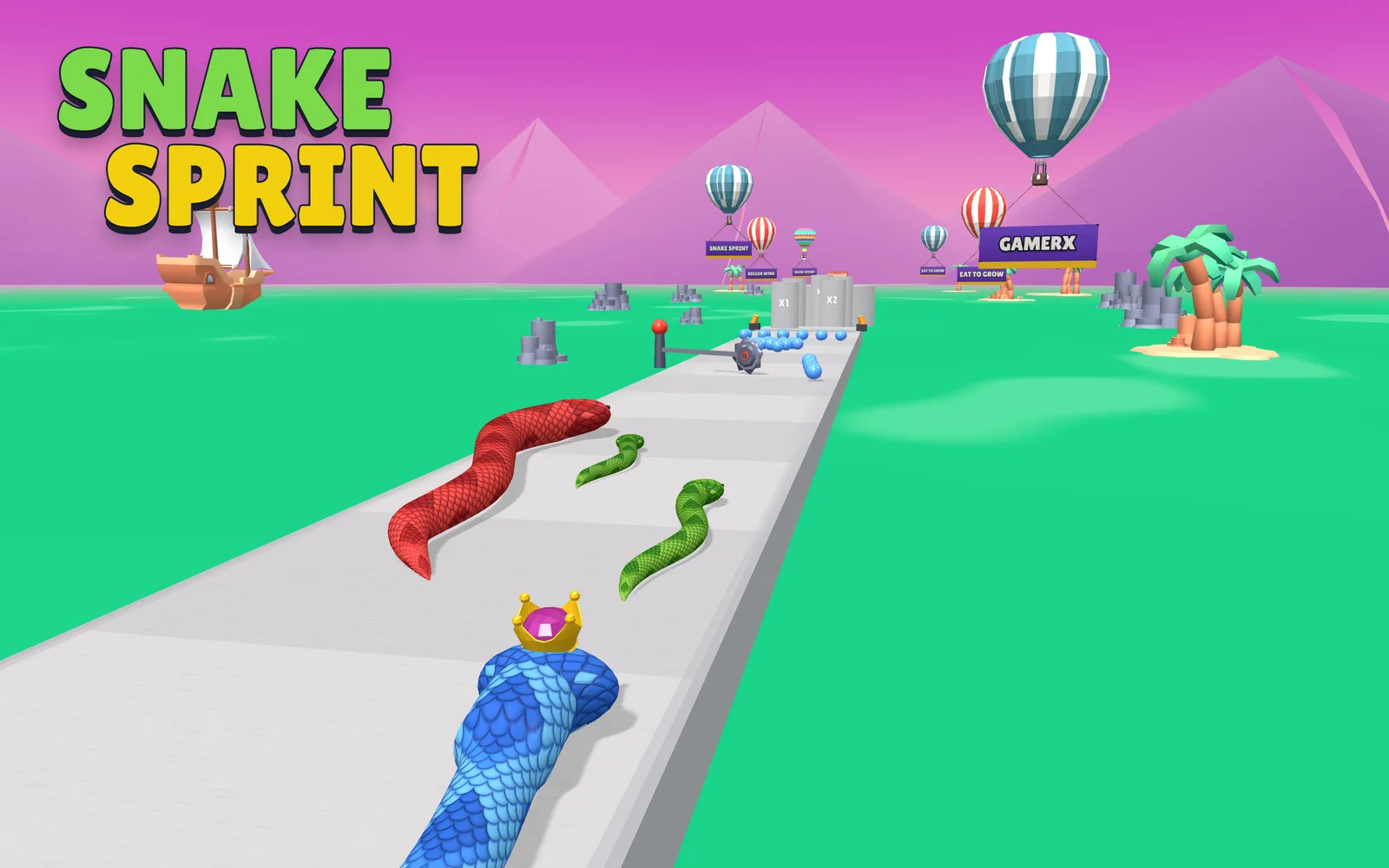
- Cube Rush 3D: a straightforward stack-runner, one narrow track and a tower of cubes, without the particle-heavy weather effects some of the newer runners lean on.
- Spring Shot: a single arcing shot between a few floating islands. Short scenes, no crowd of moving parts to render.
A few things that help regardless of which game you pick
- Close other tabs, especially anything with video or its own WebGL canvas running in the background. Two GPU-heavy tabs fighting over the same integrated chip is the single biggest slowdown most people run into, often worse than anything the game itself is doing.
- A smaller download matters on slow wifi too, not just a slow GPU. A game that is only a few megabytes starts playing while a heavier one is still loading its textures.
- If a game offers a lower graphics setting or lets you toggle an effect off, that setting exists because someone already tested it on hardware like yours.
If your laptop's real bottleneck is the trackpad rather than the GPU, our guide to browser games you can play with just a trackpad covers the control side of the same problem: old hardware, and games actually built to be gentle with it.
The honest version of "runs on anything" is not a marketing claim, it is just a small scene, a modest texture budget, and nothing expensive stacked on top. The five games above happen to check all three boxes.
Easy on old hardware